> For the complete documentation index, see [llms.txt](https://help.memberply.com/llms.txt). Markdown versions of documentation pages are available by appending `.md` to page URLs; this page is available as [Markdown](https://help.memberply.com/settings/setting-up-cancellation-reasons.md).
# Setting up cancellation reasons
Find out why members are cancelling their membership by adding cancellation reasons below. These are shown to members when they cancel their membership.
For example: "Too expensive", "Not using the membership enough", "Not satisfied with the benefits", etc.
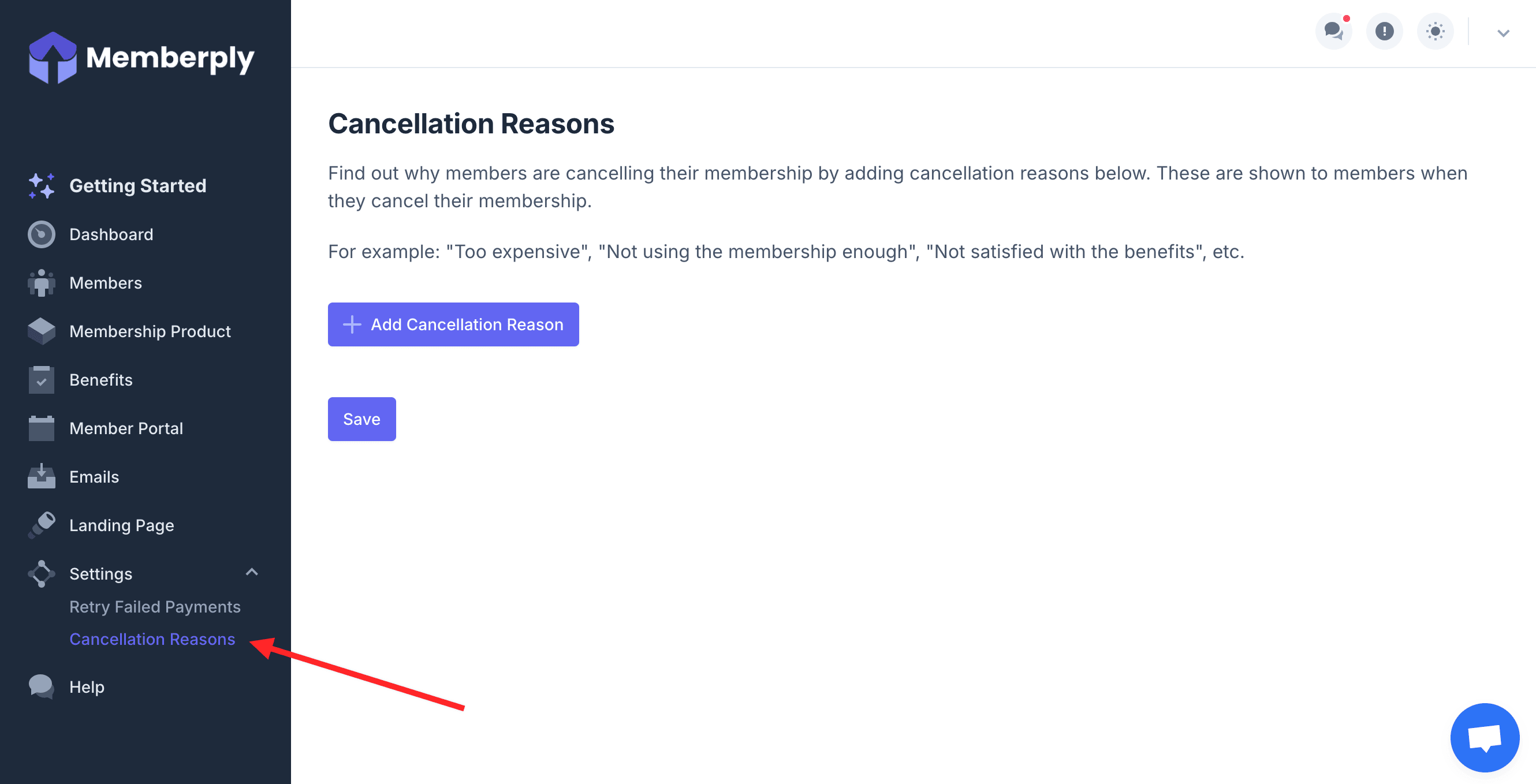
1. From the main menu, click **Settings**, then **Cancellation Reasons**.
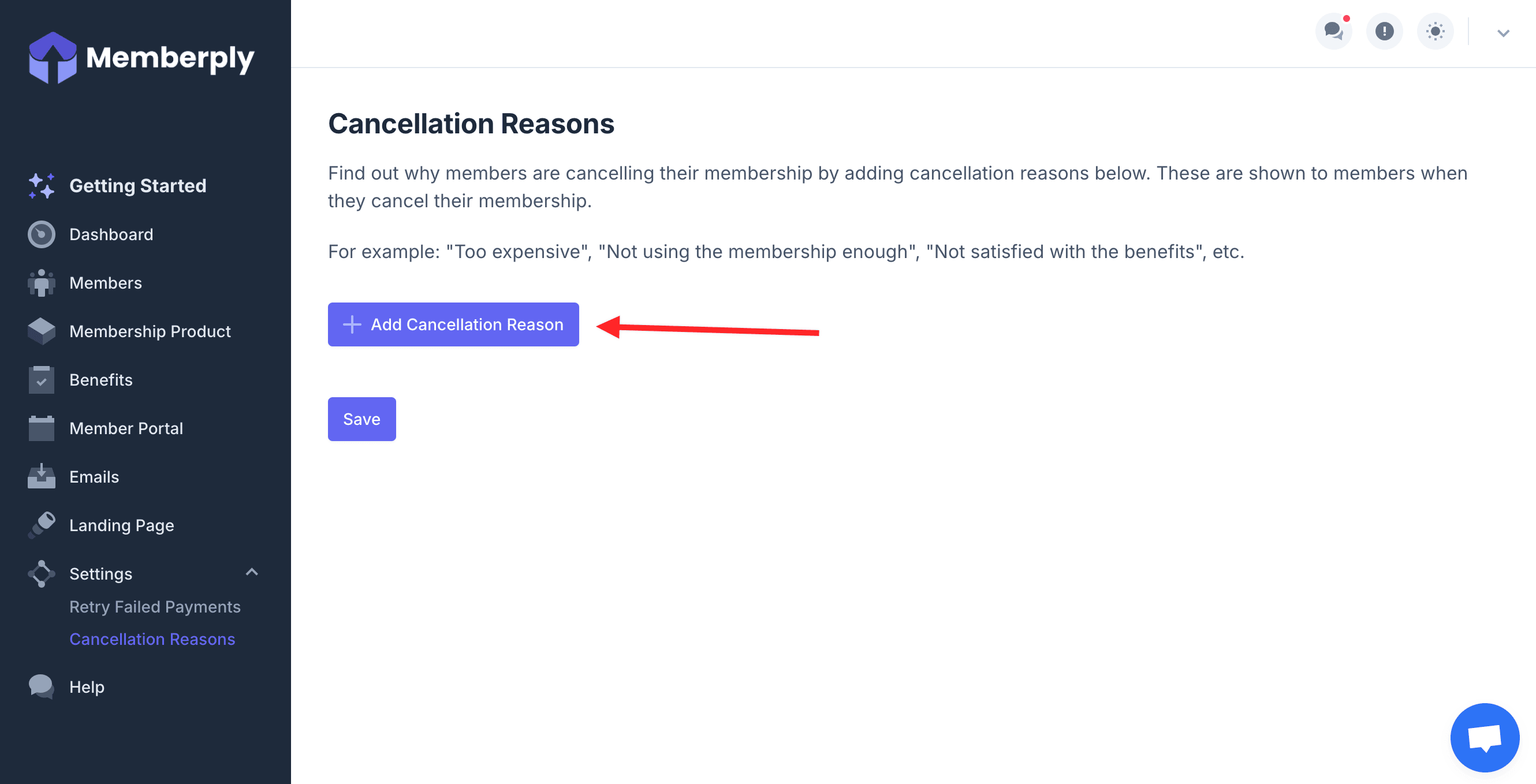
2. Click **Add Cancellation Reason**.
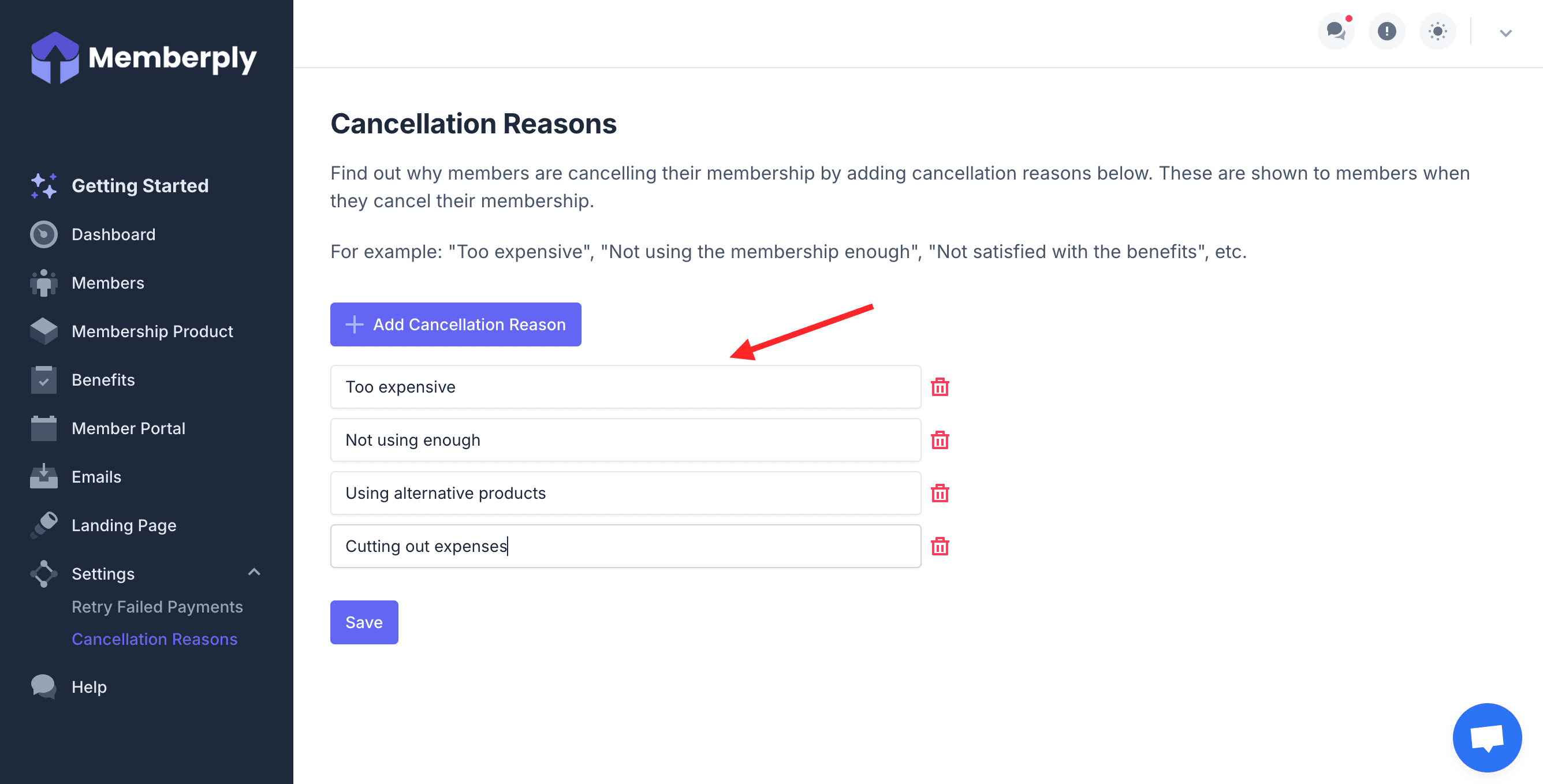
3. After clicking the button, a text box appears below. Enter a cancellation reason. e.g. Too Expensive
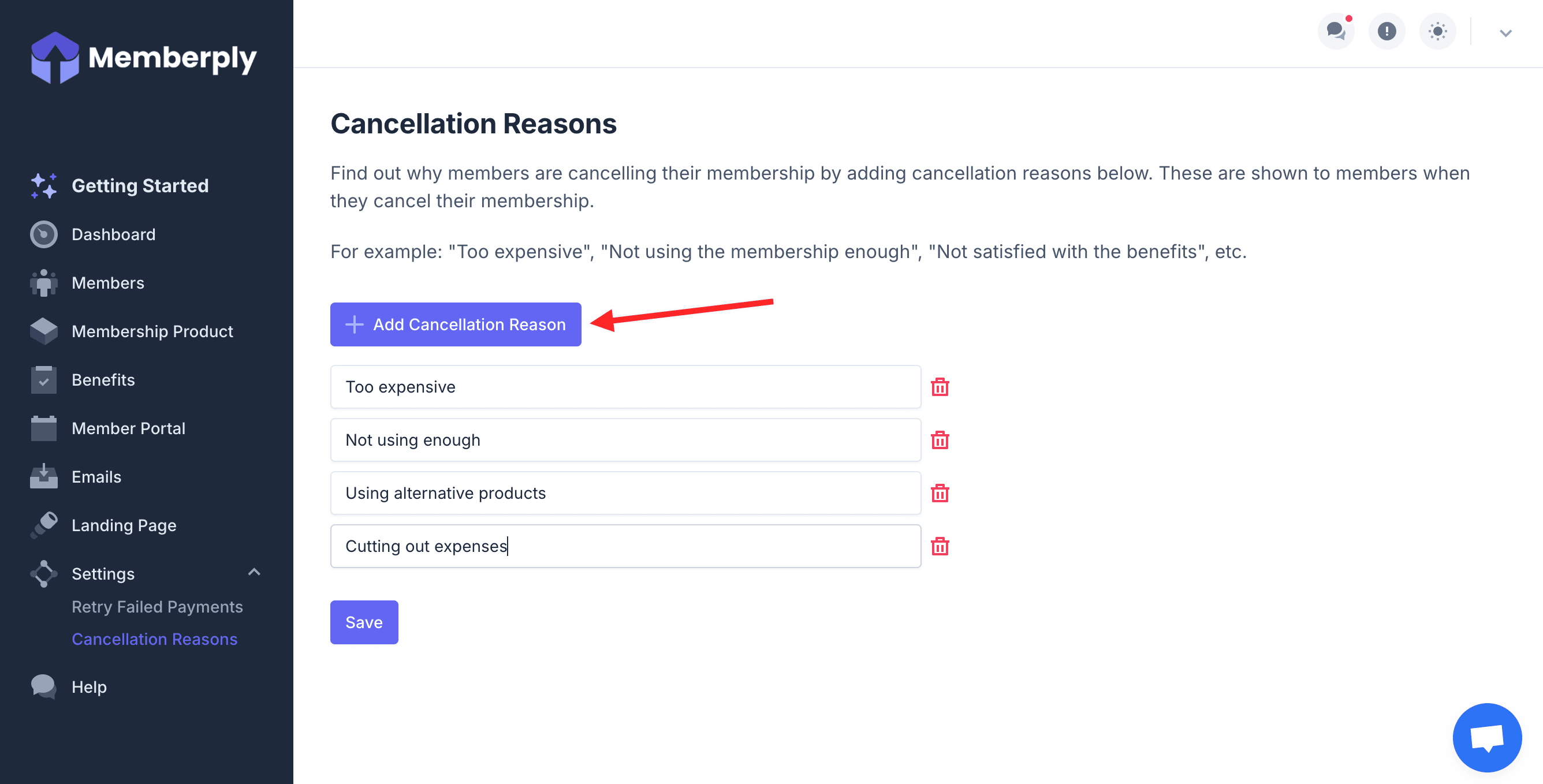
4. Then to add more cancellation reasons, click **Add Cancellation Reason** again and another text box will appear where you can enter another cancellation reason. Do this as many times as you want to create as many cancellation reasons as you would like.
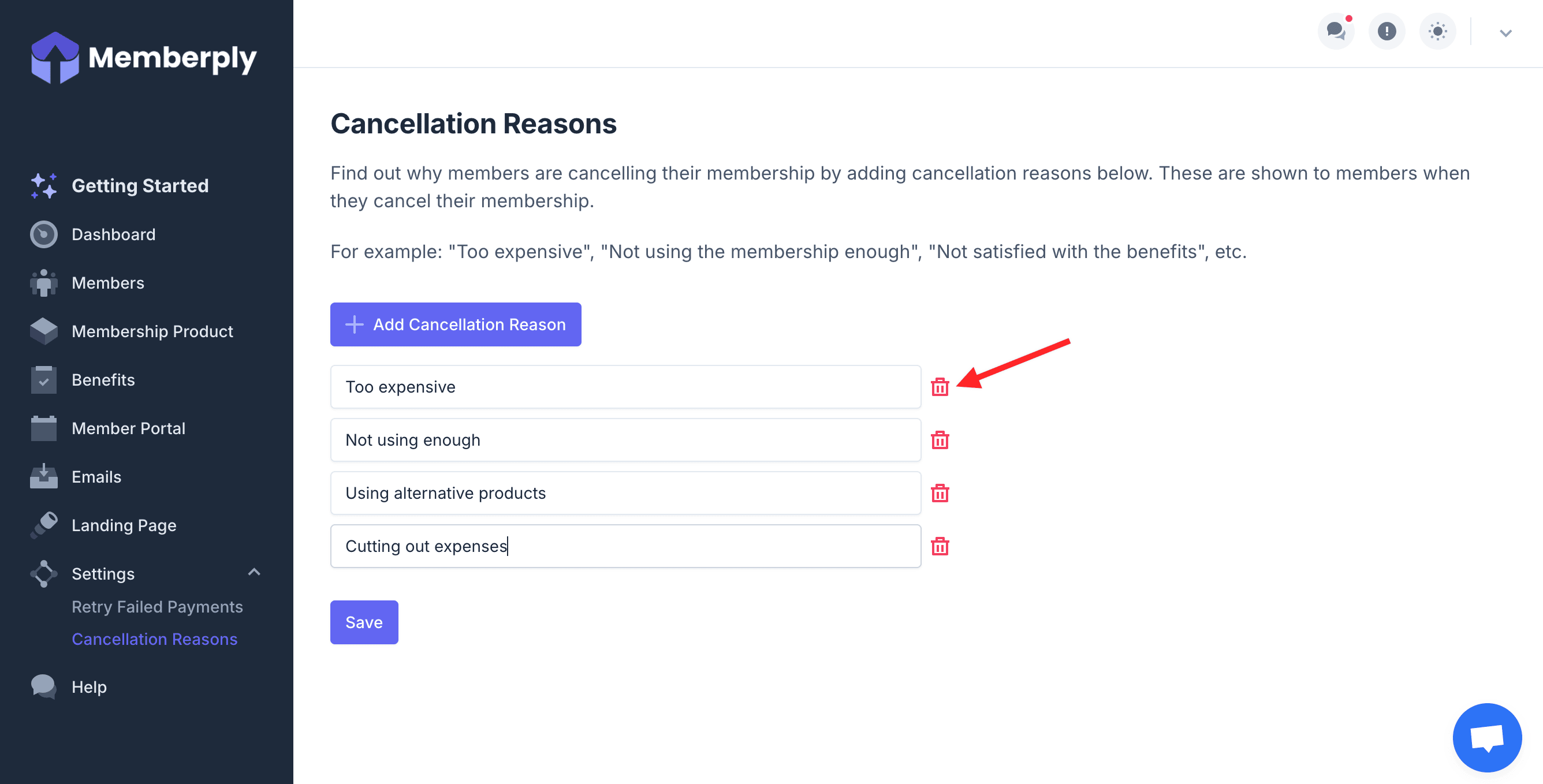
5. To delete a cancellation reason, simply click the trash can icon.
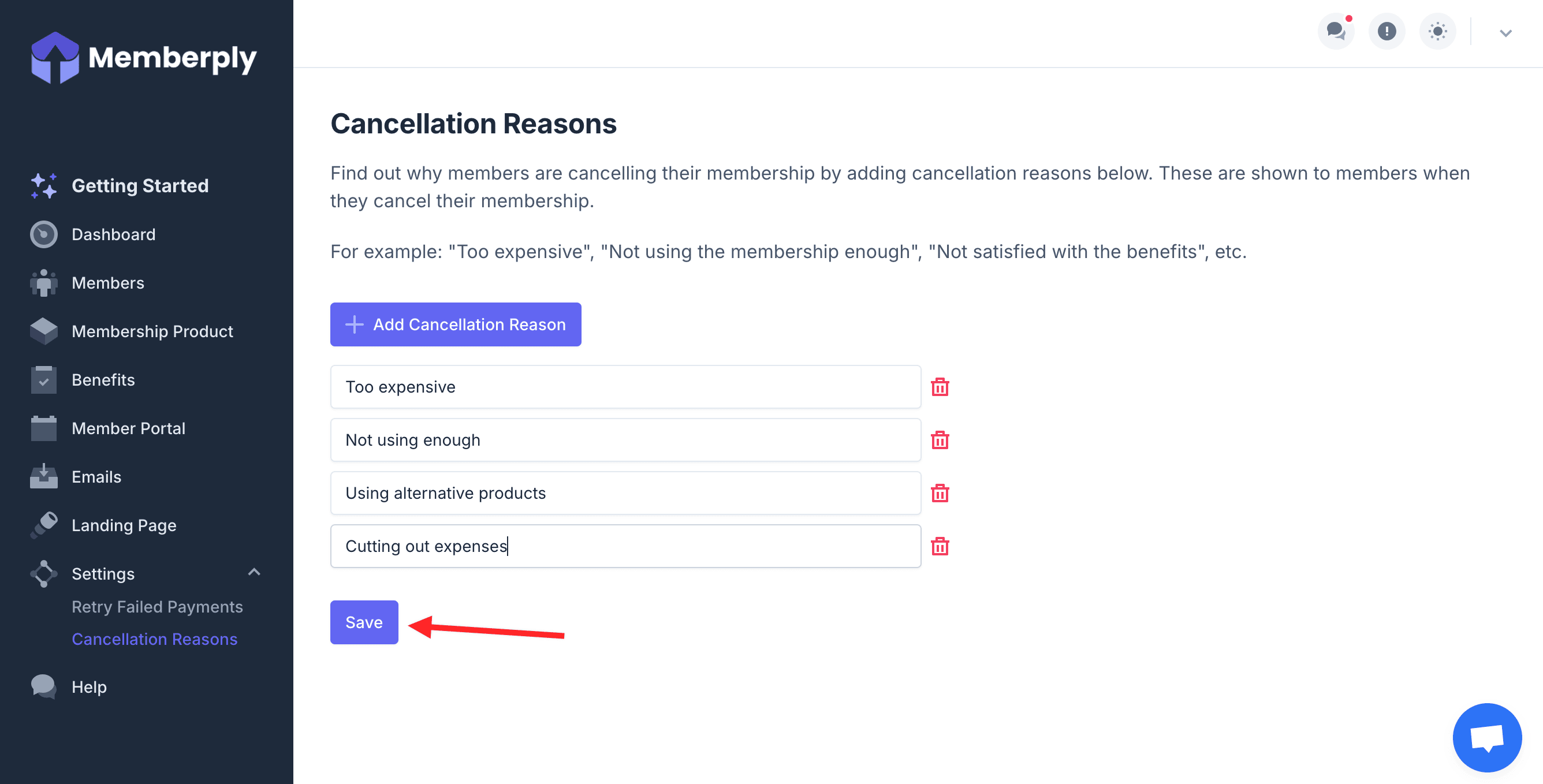
6. Once you're finished, click **Save**.
## How cancellation status is shown
If a membership is configured to end immediately, Memberply shows it as **Cancelled** after Shopify confirms the cancellation.
If a membership is configured to end at the end of the billing period, Memberply shows **Cancellation scheduled** together with the date access will end. The member remains active and can continue using their benefits until that date. When the date arrives, Memberply asks Shopify to cancel the subscription. If Shopify does not confirm the cancellation, Memberply keeps the membership active and retries instead of showing a completed cancellation.
These statuses appear consistently in the merchant members list, member details and the Members Area for both legacy customer accounts and customer accounts.